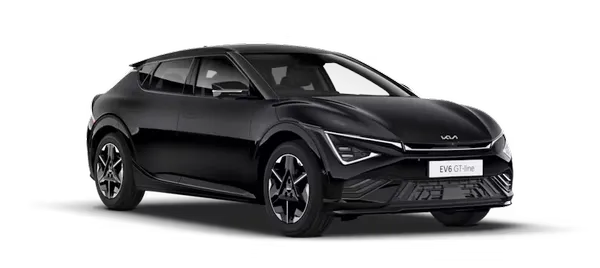
Kia K4: Intelligent Variable Transmission (IVT) / Shift lock system
Contents:
For your protection, the Kia K4 is equipped with a shift lock system. This safety mechanism is designed to prevent the transmission from being shifted out of P (Park) and into R (Reverse) or D (Drive) unless the brake pedal is firmly engaged.
To safely shift your Kia K4 from P (Park):
-
Engage and hold the brake pedal firmly.
-
Ensure the ignition is in the ON position.
-
Move the gear shift lever to your desired position.
Note: If you repeatedly engage and release the brake pedal while the shift lever is in P (Park), you may notice a light chattering sound or subtle vibration near the console. This is a normal function of the shift lock solenoid.
WARNING
Always engage the brake pedal fully before and while moving the shift lever from P (Park) into another position. This precaution prevents inadvertent vehicle motion, which could result in serious injury to people in or around your Kia K4.
Shift lock override
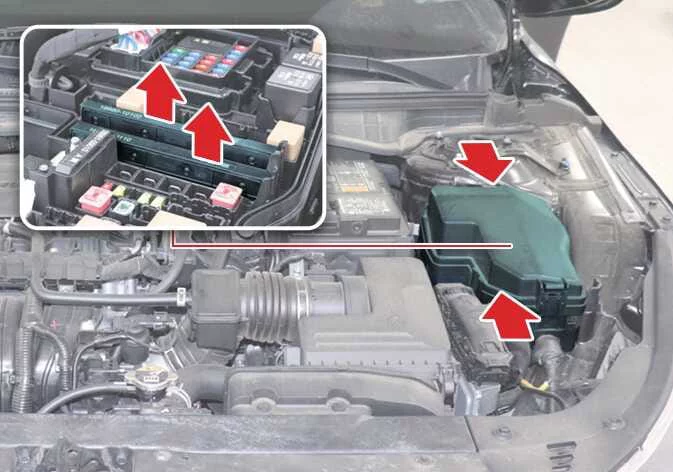
|
If you find that you cannot move the shift lever of your Kia K4 from P (Park) to R (Reverse) despite having the brake pedal firmly engaged, please maintain pressure on the brake pedal and perform the following manual override procedure:
-
Ensure the Kia K4 is powered on from the LOCK or OFF position.
-
Ensure the parking brake is securely applied.
-
Gently remove the trim or knob boot covering the shift-lock release access hole (1).
-
Insert a suitable tool, such as a flathead screwdriver, into the access hole and press down firmly on the internal release mechanism.
-
While holding the release, move the gear shift lever out of P (Park).
-
Once the lever is moved, remove the tool and reinstall the trim or knob boot to its original position.
If the shift lever of your Kia K4 remains stuck even after attempting this manual override, please contact an authorized Kia dealer for a professional inspection.


Other information:
Kia K4 (CL4) 2025-2026 Owner's Manual: How to use the Digital Key 2 (Smartphone)
Proximity and Smartphone Touch Control Operating your vehicle with the cutting-edge Kia Digital Key 2 framework brings maximum flexibility to your daily routine. You can lock and unlock the entry doors seamlessly without even needing to manually launch or activate the Kia Access App on your mobile device. By simply bringing your compatible smartphone into close proximity or tapping it against the integrated sensor plate on the exterior handle, the vehicle executes your command instantly.This section provides essential guidance on the proper loading procedures for your Kia K4 to ensure the total weight remains within its engineered design ratings. Understanding and respecting these limits is fundamental to maximizing the performance, handling, and safety of your Kia K4. Before you begin loading your vehicle, please familiarize yourself with the following terminology, which is used to define weight ratings in your Kia K4 specifications and on the official vehicle certification label.